
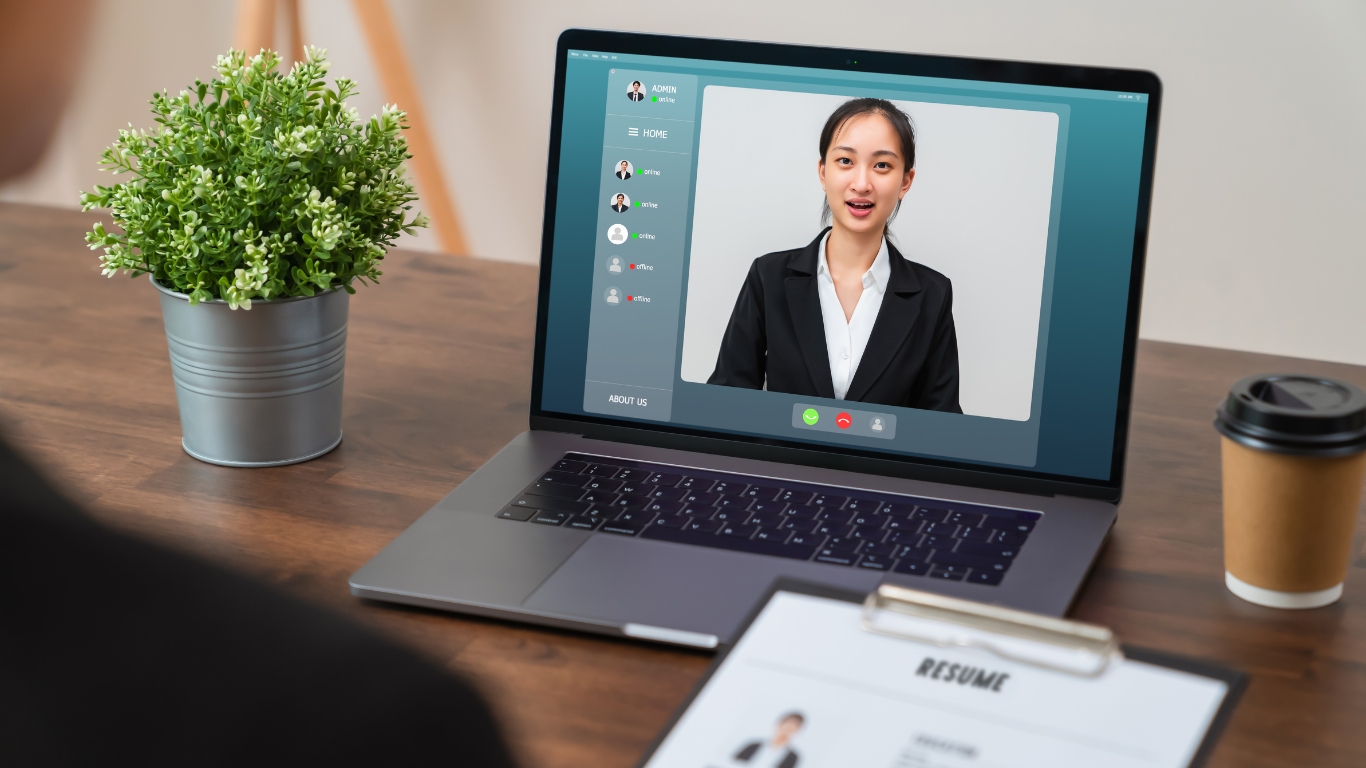
Virtual interviews have become the standard for many job seekers and employers. While the format may offer more convenience and feel more relaxed than an in-person meeting, it requires just as much preparation—if not more.
To help you make a great impression, we’ve gathered insights from recruiters on how to ace your virtual interview.
10 Tips to Help You Ace a Virtual Interview
Prepare Like It’s an In-Person Interview
Many candidates make the mistake of treating virtual interviews too casually. Recruiters advise preparing just as thoroughly as you would for a face-to-face meeting. Research the company, review the job description, and practice your responses to common interview questions.
Be Punctual and Never Ghost Your Interviewers
Always log in a few minutes early to ensure a smooth start. If you need to reschedule, notify the recruiter as soon as possible — never ghost your interview(s) by canceling without notice. And don’t just send a text; a phone call or email with as much advance notice will be appreciated. Life happens and recruiters know that, but some recruiters will not allow you to reschedule an interview if you fail to handle a cancellation with professionalism and courtesy.
Test Your Tech
Technical issues can derail an interview before it even starts. To avoid last-minute problems:
• Test your internet connection, camera, and microphone.
• Ensure your video conferencing software (Zoom, Microsoft Teams, Google Meet, etc.) is updated and working properly.
• Have a backup plan, like a hotspot or an alternative device, in case of connectivity issues.
Set Up a Professional Background
Your background sets the tone for your interview. A clean, clutter-free space with good lighting makes a better impression than a cluttered room or a bedroom. If needed, use a virtual background that looks professional and neutral.
Dress for Success
Even though you’re at home, dressing professionally signals that you take the opportunity seriously. Wear what you would for an in-person interview—avoid overly casual attire or distracting patterns. If you’re wearing makeup, don’t over-apply anything — foundation, blush, lipstick, lashes, or hair goop. When in doubt, K.I.P. (Keep It Professional).
Mind Your Body Language
Since virtual interviews limit in-person cues, body language becomes even more important. Recruiters suggest:
• Sitting up straight and maintaining eye contact (look at the camera, not the screen).
• Nodding and using hand gestures naturally to show engagement.
• Smiling to convey confidence and enthusiasm.
Eliminate Distractions
A quiet, distraction-free environment helps you stay focused and professional. Before your interview:
• Inform family members or housemates about your meeting.
• Silence notifications on your phone and computer.
• Close unnecessary tabs and programs to prevent slow performance.
Practice Answering Questions Concisely
Virtual interviews often have time constraints, so recruiters recommend keeping your answers clear and concise. Use the STAR method (Situation, Task, Action, Result) to structure responses effectively.
Have Questions Ready
Recruiters appreciate candidates who ask insightful questions. This shows genuine interest in the role and company. Consider asking about:
• The team culture and work environment.
• Expectations for the first few months.
• Opportunities for growth and development.
Follow Up with a Thank You Email
After your interview, send a brief thank-you email within 24 hours. Express gratitude for the opportunity, reiterate your interest in the role, and highlight a key point from the discussion.
Final Thoughts
Virtual interviews may feel different, but they offer a great opportunity to showcase your skills and personality from the comfort of your home. With the right preparation, technical setup, and professional presence, you can leave a lasting impression and increase your chances of landing the job.